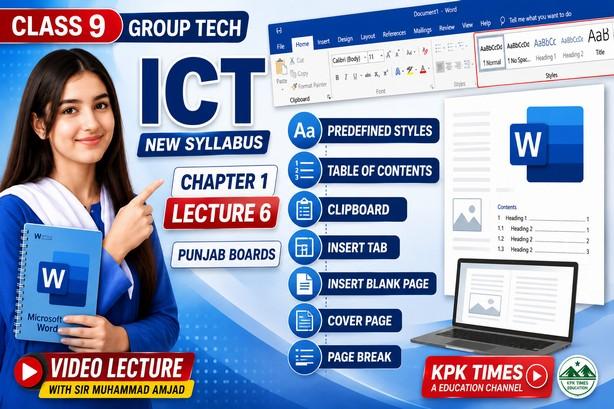
In this video, Sir Amjad explains MS Word Insert Tab and References Tab according to the Class 9 Information & Communication Technology (ICT) New Syllabus 2026 for Punjab Boards.
📚 Topics Covered:
✅ Introduction to MS Word Insert Tab
✅ Adding Pictures, Shapes, Icons and SmartArt
✅ Inserting Tables and Charts
✅ Header, Footer and Page Numbers
✅ Hyperlinks and Text Boxes
✅ Introduction to References Tab
✅ Table of Contents
✅ Footnotes and Endnotes
✅ Citations and Bibliography
✅ Captions and Index Creation
✅ Practical Demonstration in Microsoft Word
This lecture is highly beneficial for Class 9 ICT students, board exam preparation, practical work, and understanding Microsoft Word features.
👨🏫 Video Lecture by Sir Amjad
📺 Channel: KPK Times – An Education Channel
👍 Like, Share & Subscribe for more ICT, Computer Science, Python, and Technology lectures.
🔑 SEO Keywords
Class 9 ICT Chapter 1 Lecture 6, Class 9 ICT Practical 6, ICT Class 9 Punjab Board 2026, MS Word Insert Tab, MS Word References Tab, Microsoft Word Tutorial, Class 9 ICT New Syllabus 2026, Punjab Board ICT, Insert Tab in MS Word, References Tab in Word, Table of Contents in Word, Citations and Bibliography, Footnotes and Endnotes, MS Word Practical Class 9, ICT Video Lecture, Sir Amjad ICT, KPK Times Education Channel, Microsoft Word Complete Tutorial, ICT Chapter 1 Practical 6, Class 9 Computer Education
#️⃣ Trending Hashtags #Class9ICT
#ICT2026
#PunjabBoard
#MSWord
#InsertTab
#ReferencesTab
#MicrosoftWord
#ICTLecture
#Class9
#ComputerEducation
#SirAmjad
#KPKTimes
#Practical6
#Education
#BoardExamPreparation
#LearnICT
#MicrosoftOffice
#WordTutorial
#ICTStudents
#PunjabBoards2026